

Your Microsoft 365 looks secure. What’s behind the score?
See which permissions, policy gaps and identity threats need attention, and what your team can do next.
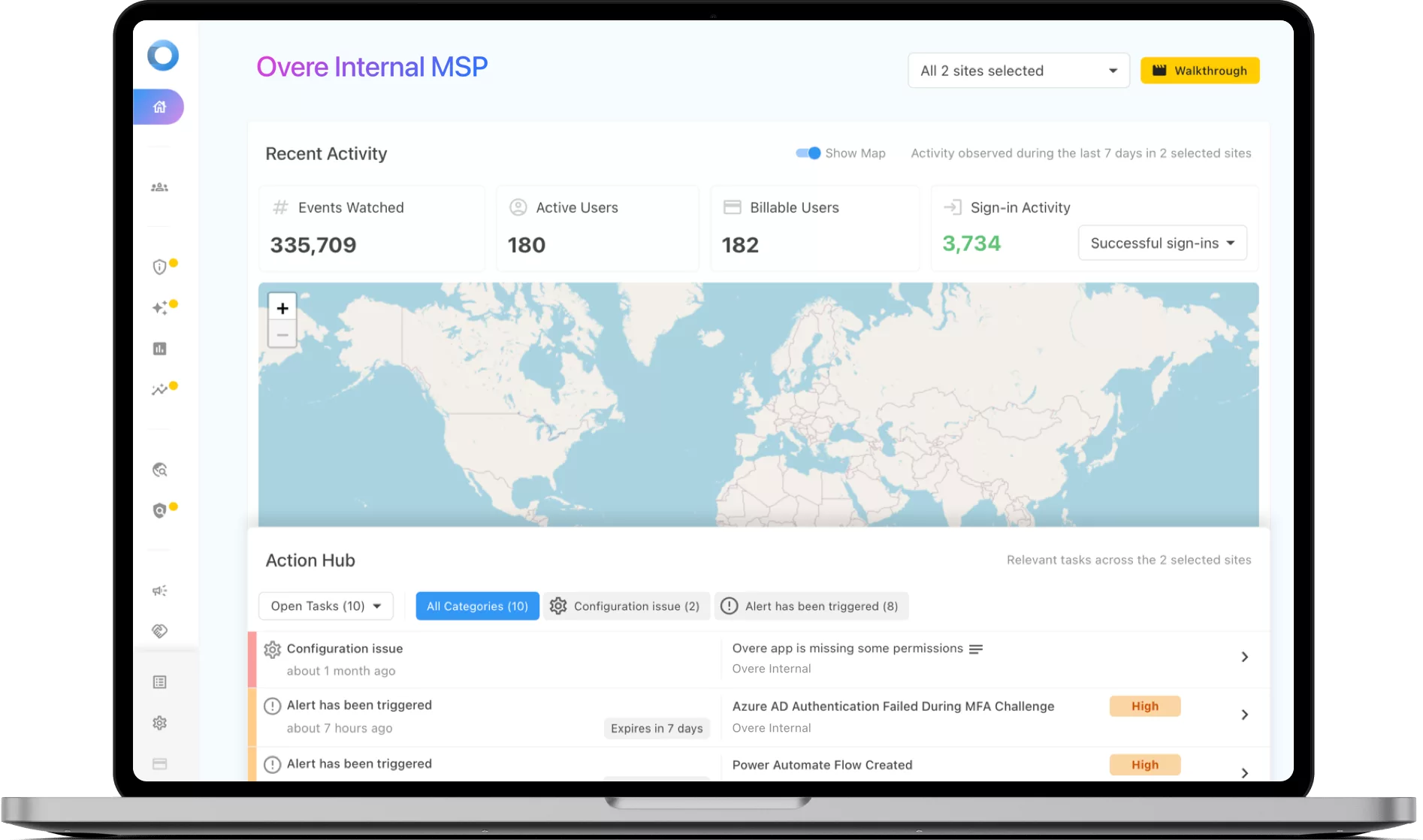
What sits behind your Secure Score?
Choose a domain to explore an example risk and a next step. (Illustrative scenario)
Identity
An administrator changes roles. Review the account and remove privileges it no longer needs.
An email protection control is missing. Compare the tenant assessment with the intended protection and prioritise the gap.
Applications
An OAuth app requests sensitive permissions. Review its scope and business purpose before approval.
Policies
A setting changes after a template is applied. Check whether it is an approved exception or drift requiring remediation.
From exposure to response
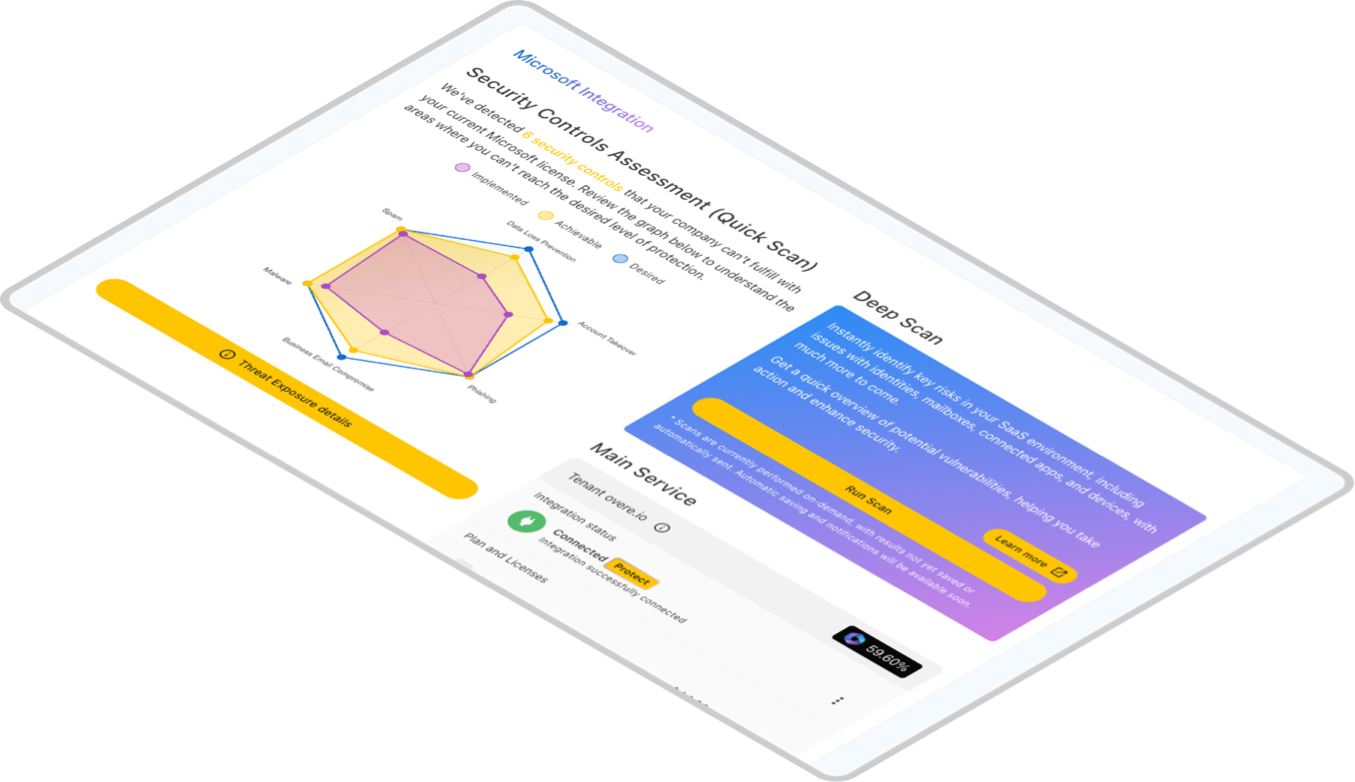
Assess · Security posture
Security posture assessment
Compare implemented controls with the protection you want and prioritise configuration gaps.
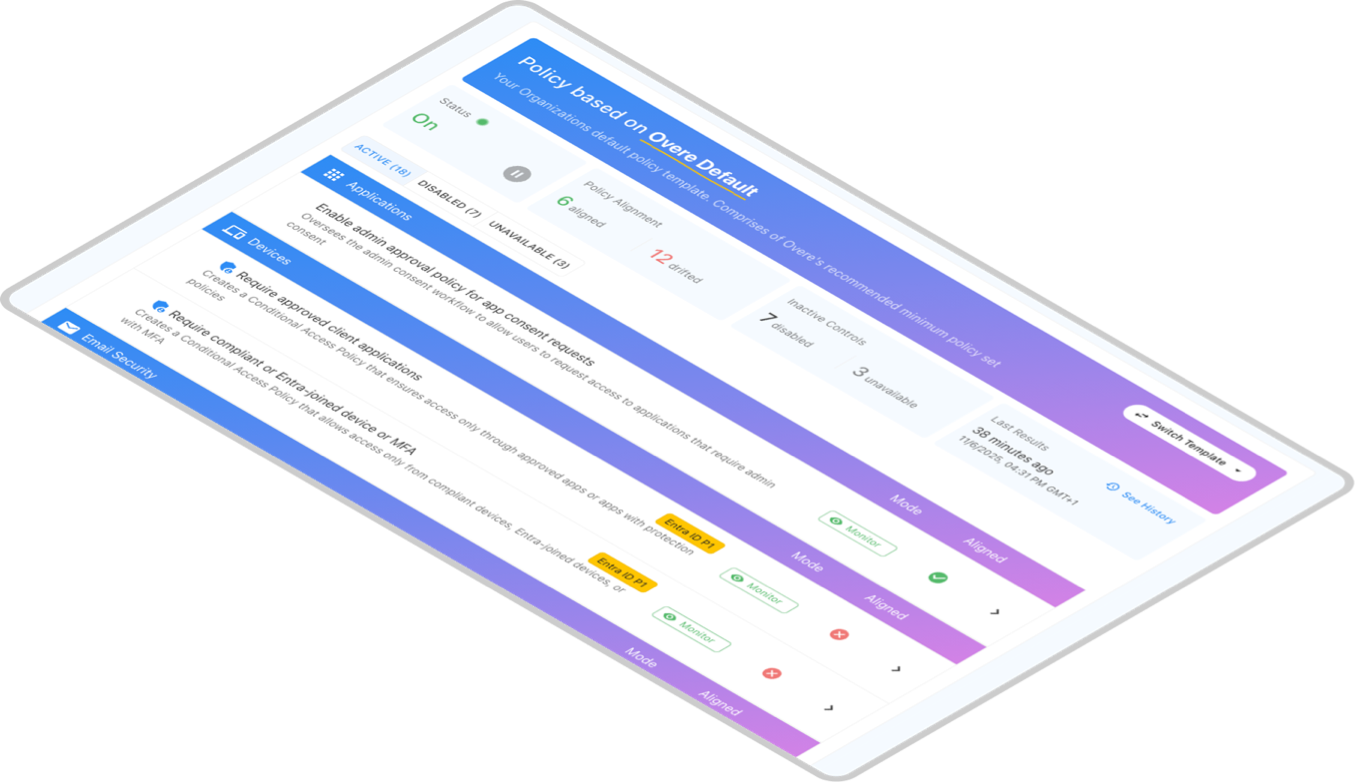
Harden · Policy enforcement
Policy hardening
Apply a policy template, review drift and choose which supported settings to enforce.
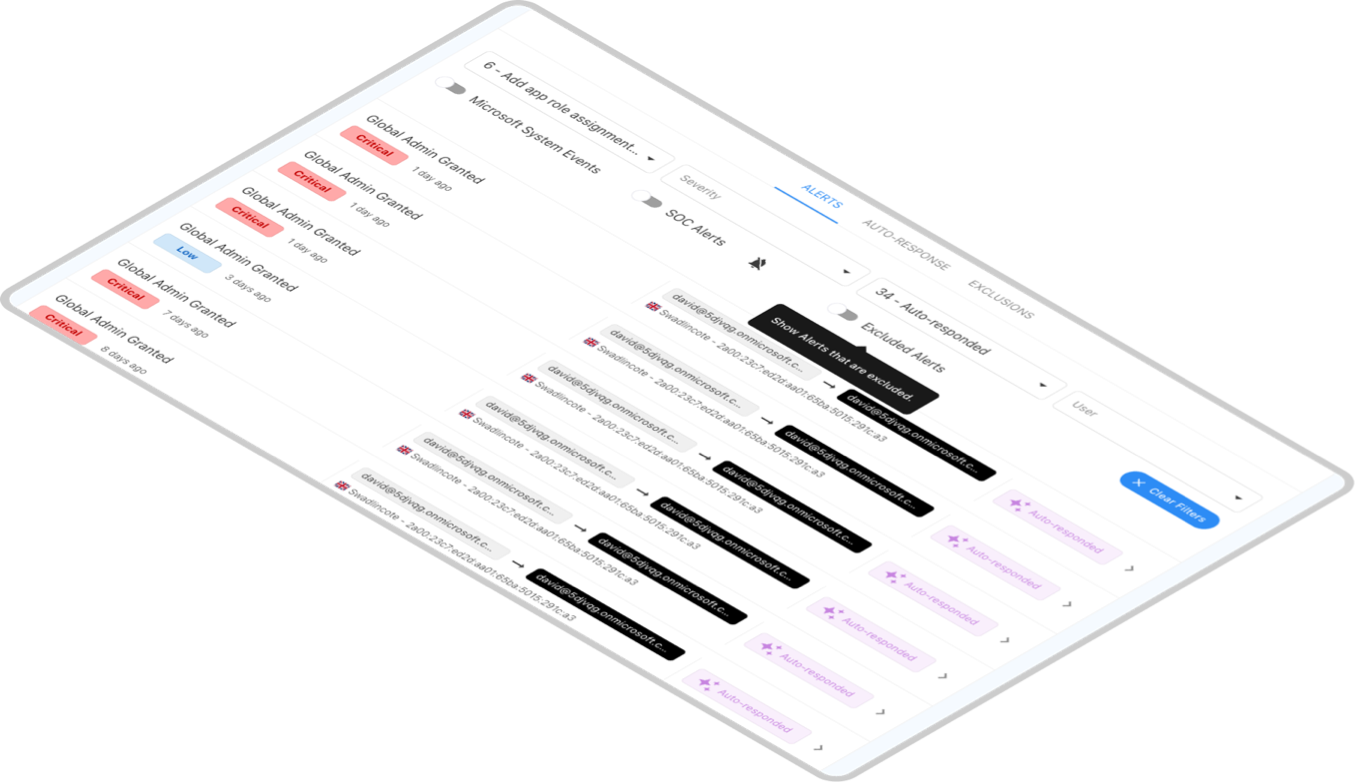
Monitor · Identity threats
Identity threat monitoring
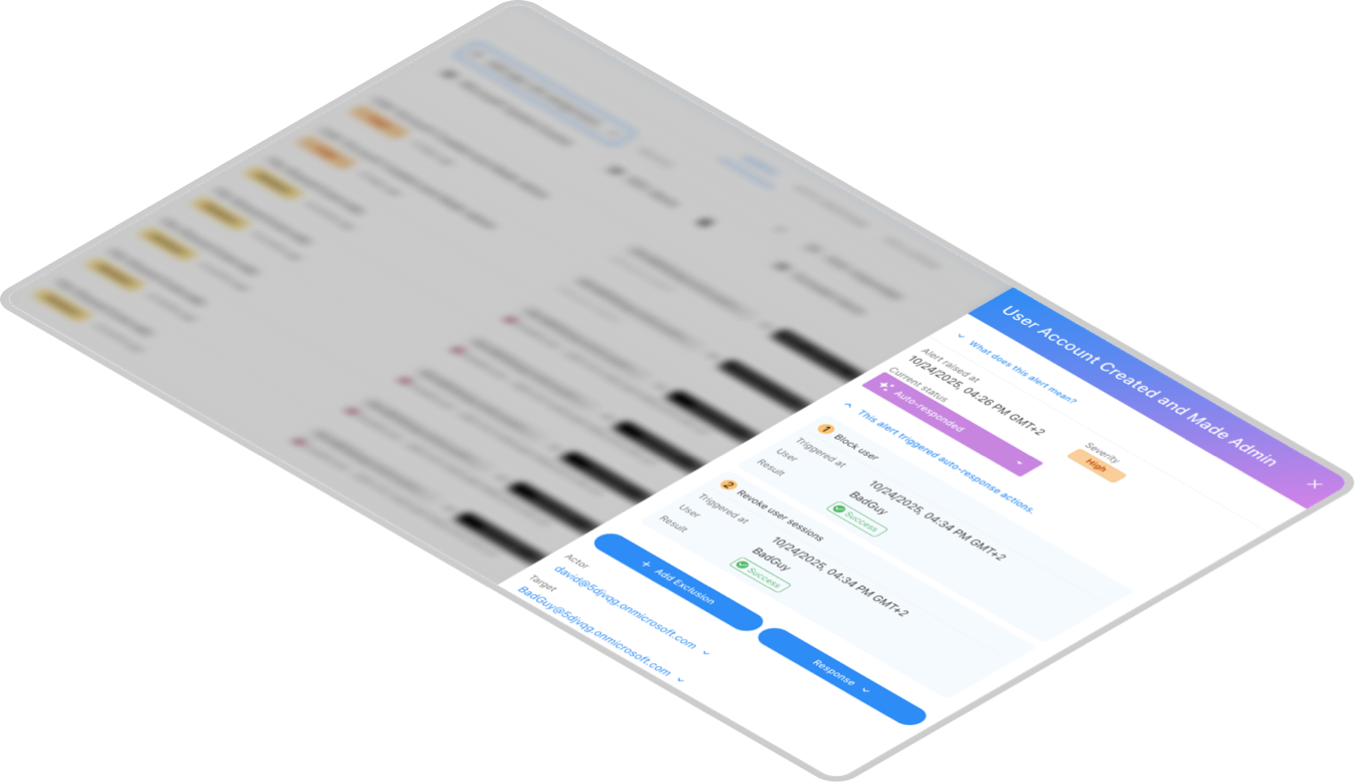
Review identity activity, privilege changes and OAuth application risk in one alert view.
Respond · Guided response
Guided response
Move from an alert to prioritised guidance or a pre-authorised automated response.
Your access policy is configured. Who does it protect?
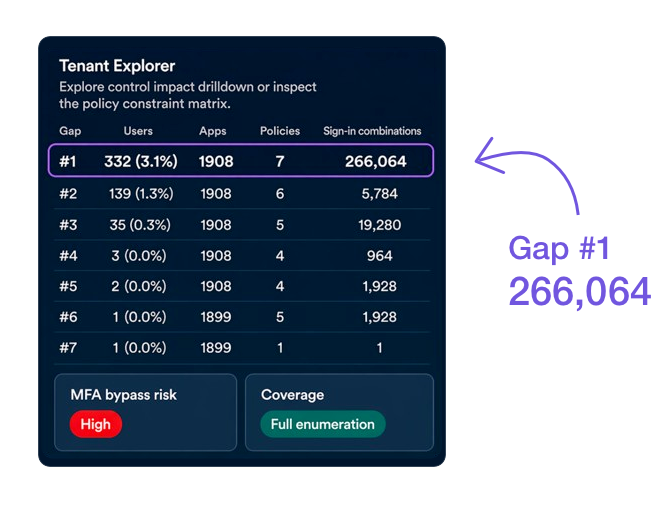
Conditional Access Assurance
Explore how a user, policy and resource affect an access decision. Select a state to compare coverage.
Illustrative scenario
Protected
The policy includes this user and requires additional verification for access.
Conditionally Protected
Protection depends on the sign-in context. Check coverage from a different device or location.
Gaps Detected
An exclusion leaves an access path uncovered. Review its scope before changing policy.
Controls across your Microsoft 365 environment
Microsoft Entra ID
Access policies, privileged accounts and identity activity.
Microsoft Intune
Supported configuration enforcement and device compliance monitoring.
Microsoft Defender
Supported hardening for Defender for Business and Defender for Endpoint.
SharePoint
Enforcement of supported SharePoint settings through policy templates.
Microsoft 365
Tenant-level control assessments, reports and posture tracking.
From unusual activity to an authorised action
Illustrative scenario
Detect
A change in account privileges is detected.
Alert
An alert brings the account, action and context together.
Recommend
The team reviews the change and the suggested remediation.
Respond
An analyst acts manually or a pre-authorised response runs.
Track
The team checks the outcome and any remaining follow-up.
Every tenant in one view
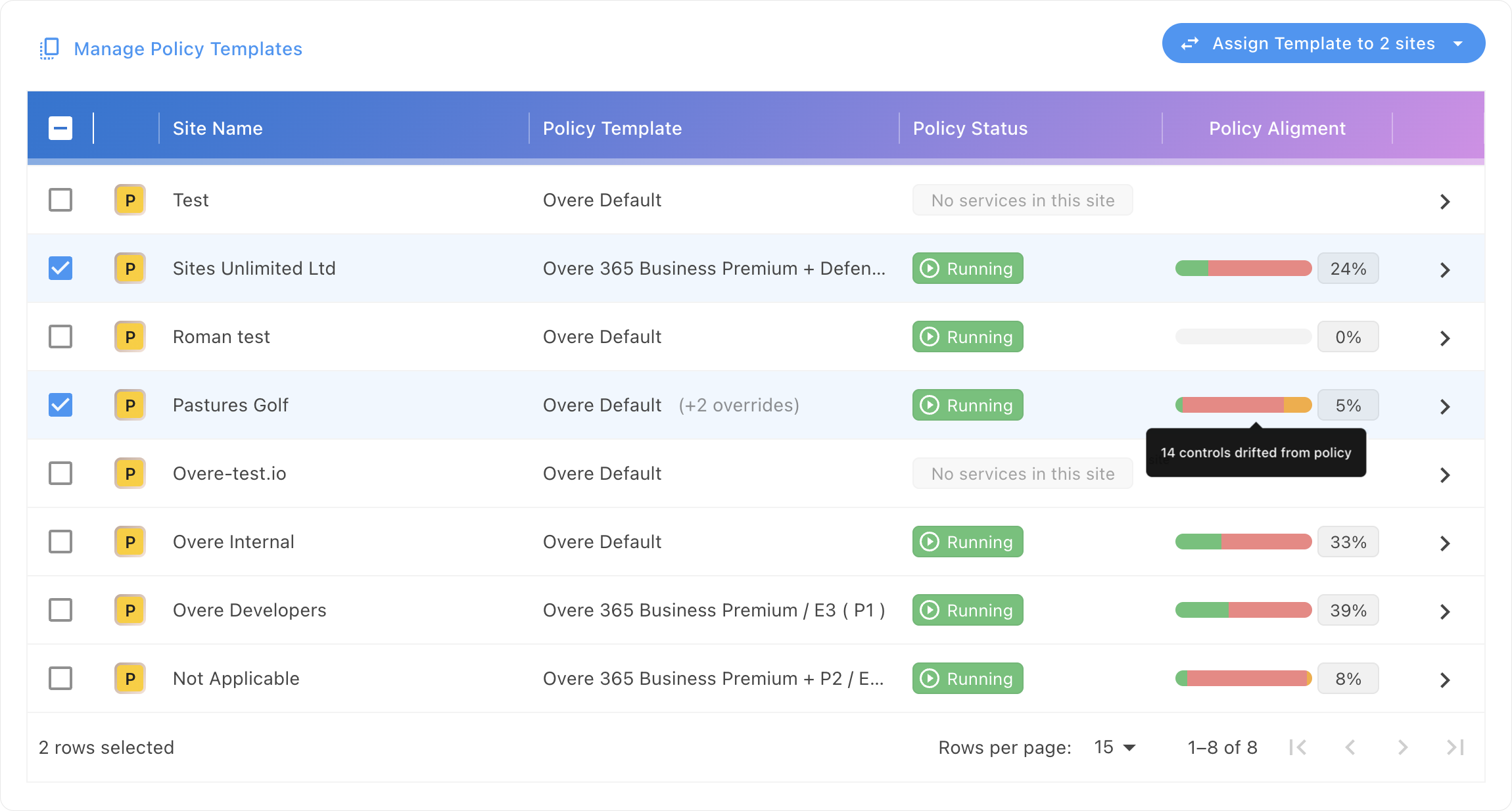
Multi-tenant management for MSPs
Identify customers needing attention, compare alignment with policy templates and share reports. Manage exceptions for each tenant.
How will your team use Overe?
Enterprise
IT and security teams can prioritise tenant risks and coordinate remediation.
MSP & MSSP
Service providers can apply templates and manage exceptions across customer environments.
Resellers
Resellers can arrange a customer demonstration with CyberLion and assess portfolio fit.
Privacy and permissions
Before connecting a tenant, review the required permissions and available data regions with your team.
See Overe in action with CyberLion
Bring a question from your environment. We’ll walk through the assessment, access policy coverage and multi-tenant workflow with you.